

Publishing New Post on Blogger Blog is easy. Because its Post Editor 's interface is quite User Friendly. Using which is an easy task even for new bloggers.
If you still have any doubt about Blogger Post Editor, then you can read our Blogger Post Editor Tutorial for more information about it.
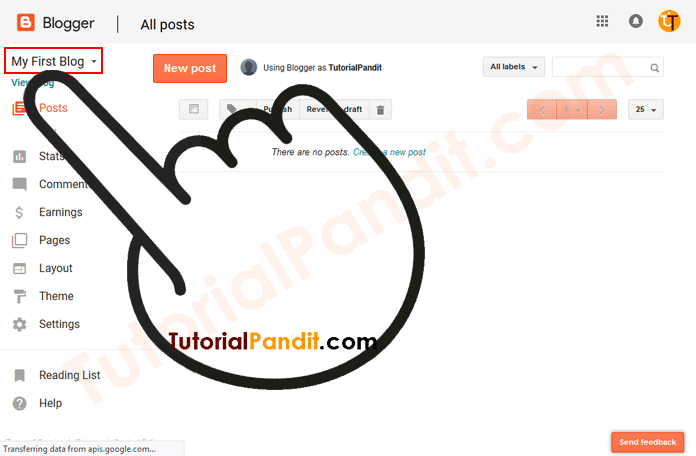
Step: #3
After selecting Blog, Blog Specific Dashboard will open in front of you. From here you click on the button New post in front.
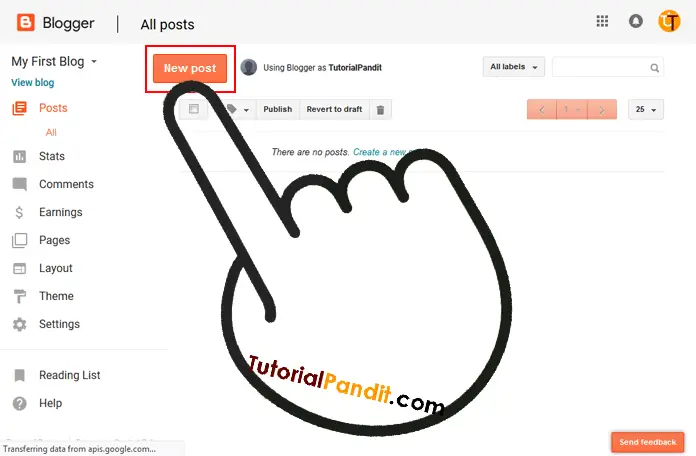
Step: #4
After doing this, Post Editor will open in front of you. You type your post content in it or paste it with the help of Ctrl+ .V
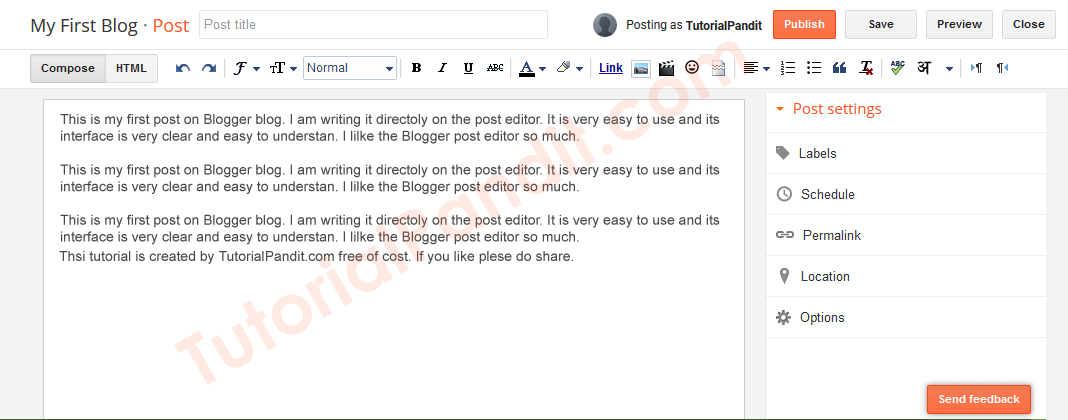
Step: #5
After writing the post completely, publish the post by clicking on the button Publish on the right side.
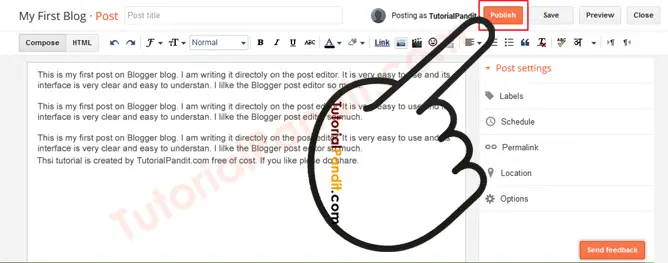
Your post will be available to readers on the blog as soon as it is published. Now your readers can read this post. If you want, you can see the Post Preview before publishing the post and can also save it as a Draft.
How to see Blogger Post Preview
Step: #1
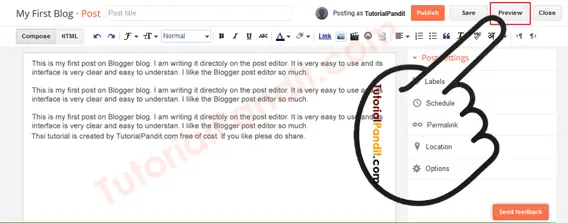
First of all, to see the Post Preview, click on the Preview button available near the Publish button.
Step: #2
By doing this the post will open in New Tab. Which you read and try to find your mistakes. If you see a mistake, then note it down. And after coming to Edidor, fix all the mistakes and publish the post.
How to save Post Draft
Step: #1
First of all the post you want to save. Write it in Post Edidor.
Step: #2
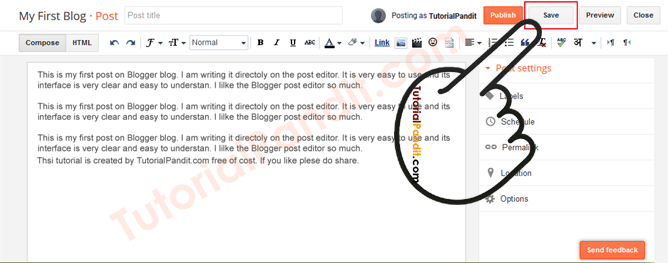
After writing the post, do not publish the post and click on Save button on the right side. Save Post Draft. Now your post is saved on Blogger. Which you can edit, delete, publish anytime.
Complete information about Blog Post Settings in Hindi
Blogger provides many more settings for new posts. Through which we can make the blog post more attractive and SEO Friendly. And you can set Custom Post Name, Comment Allow and Disallow etc. We are telling below about all the post settings.
- Labels
- Schedule
- Permalink
- Location
- Option
1. Using Labels in New Post in Hindi
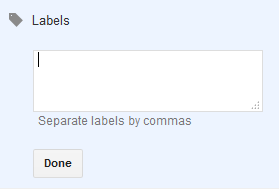
Blogger uses Labels to handle Posts topic wise. We can also call them category. That's why Labels are used to divide the post subject wise. So that it is easy for the readers to find the content.
Blog Posts are easily available by using Labels and the subject on which the reader wants a post is found quickly by searching through Label. Labels Box is available in Post Settings on the right side of Post Editor . By clicking on which Labels can be made for the blog.
2. Schedule Blogger Post in Hindi
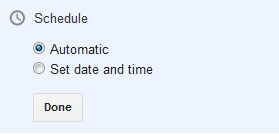
We can also schedule our post through Blogger. And you can publish your post whenever you want. This feature is very useful and increases productivity.
To schedule Blog Post, we can select the time and date through the calendar. And you can schedule the post for the coming time. Schedule is available under the Labels on the right side of the Post Editor .
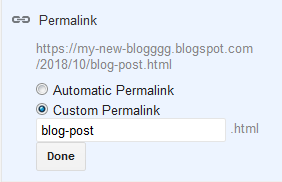
3. Using Permalink for Post in Hindi
By Default, Blogger keeps the name of our post according to itself. Which is the choice of Blogger and not the writer of the post. But if we want, we can keep Blog Post Name as per our choice.
Permalink Option is used to keep Blog Post Name as per your own . Which is under the Schedule on the right side in the Post Editor.
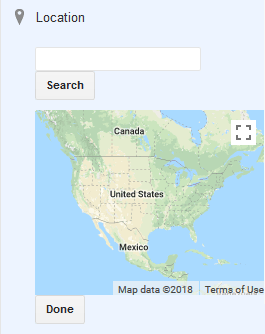
4. Adding Location in Blogger Post in Hindi
If you want, you can also share your location with the post. Because the feature of setting location is available in Blogger Post Editor. Which is present under the Permalink on the right side in the Post Editor.
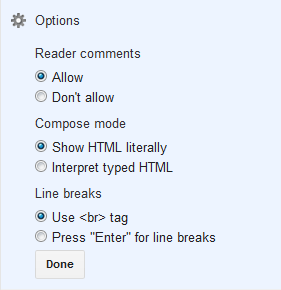
5. Post Options in Hindi
Many facilities are available in Post Options. One of which is – Post Comments. If you want, you can also ask for readers' opinion, problems, suggestions from your post and you can also close Post Comment if you want.
Apart from this, some other features are available here by which we can turn it on and off by going to Post Option. This feature is available under the location on the right side in the Post Editor.
what have you learned?
In this tutorial, we have given you complete information about creating and publishing New Post on Blogger Blog. You know how to write New Post and how to publish New Post? Apart from this, you have also known about Blog Post Settings. We hope that this tutorial will prove useful for you.
#BeDigital
